What Is ERP Software? A Plain-English Guide for Growing SMBs
A clear guide to how ERP brings finance, operations, inventory, and jobs into one system—and when a custom build makes more sense.
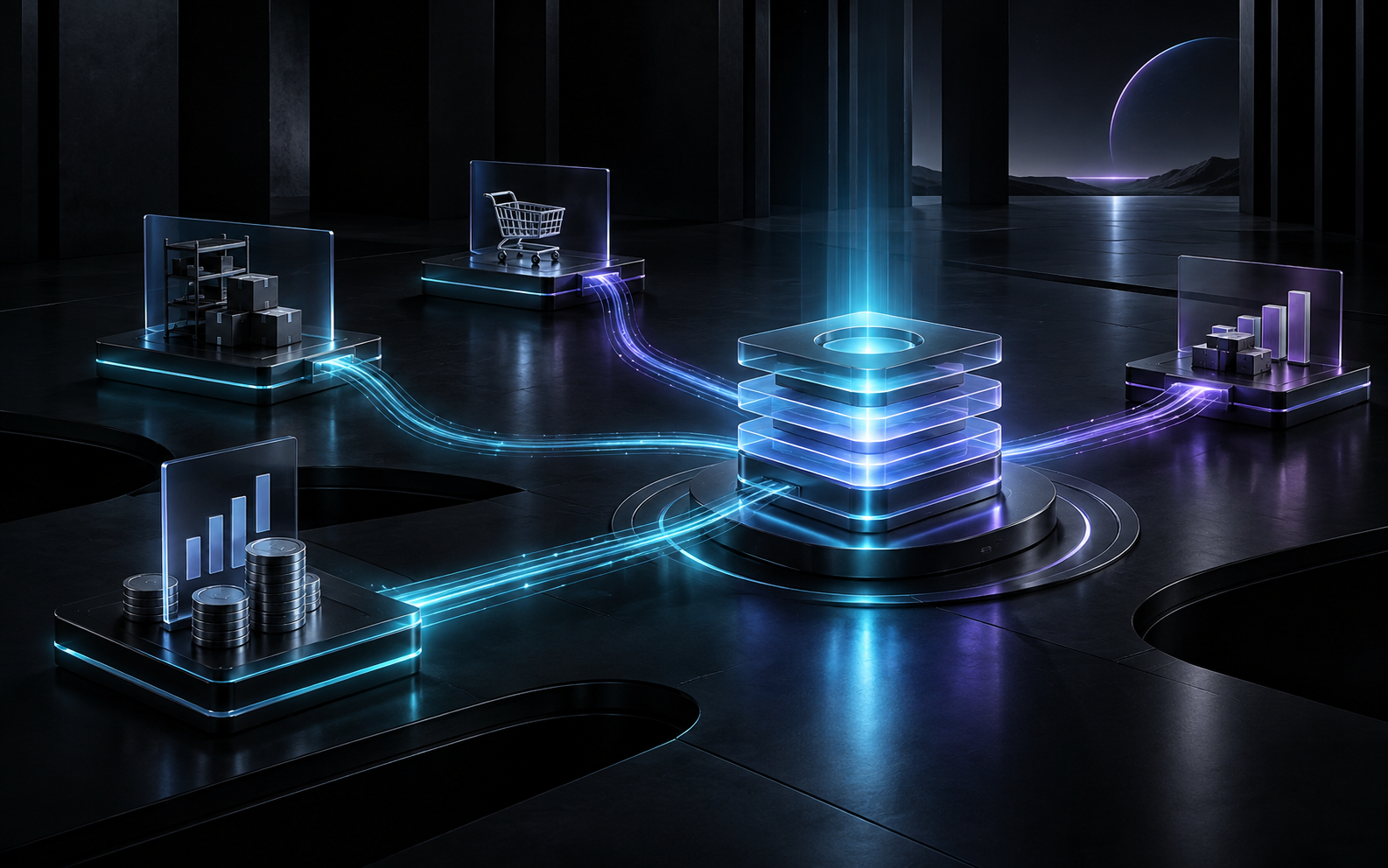
ERP software is business management software that connects core functions—finance, inventory, sales, purchasing, projects, and often HR—so teams work from one shared set of records instead of disconnected spreadsheets and apps. For growing SMBs, that shared system reduces re-entry, shortens month-end close, and makes day-to-day decisions less guesswork. You do not need a Fortune 500 IT budget to benefit; you need clear processes and a system sized to how you actually operate.
Why does “enterprise” appear in the name if SMBs use ERP?
Enterprise Resource Planning started as a label for large-company systems. The acronym stuck. What most owners mean today when they search “what is ERP software” is simpler: one operational backbone that keeps money, materials, jobs, and people aligned.
Microsoft defines an ERP system as business management software that integrates core processes across finance, supply chain, manufacturing, HR, procurement, project management, and related functions—so organizations stop relying on disconnected tools and duplicate records. That definition fits a 25-person service firm as well as a manufacturer. The difference is scope and complexity, not the underlying idea.
Think of ERP as the system of record for how work moves through your company. CRM tracks customer conversations. Accounting books revenue. Spreadsheets try to glue the middle. ERP is what replaces that fragile middle with structured workflows.
What does ERP software actually include?
Capabilities vary by vendor and build, but most SMB-ready platforms cover a familiar set of modules:
| Module | What it typically handles |
|---|---|
| Finance & accounting | GL, AP/AR, invoicing, bank reconciliation and basic reporting |
| Inventory / purchasing | Stock levels, purchase orders, vendor records and receipts |
| Sales / order management | Quotes, orders and fulfillment status |
| Projects / jobs | Job numbers, budgets, time, materials and work in progress |
| HR / payroll (optional) | Employee records, time off and sometimes payroll connections |
| Reporting | Dashboards, KPIs and audit-friendly exports |
Defined terms worth knowing
- Single source of truth: One authoritative record for a customer, SKU, job, or invoice—updated once and reused everywhere.
- Modular ERP: Start with finance and inventory, then add modules later.
- Custom ERP: Software built, or heavily shaped, around your workflows rather than forcing your team into a generic template.
- Integration: Connections to banking, ecommerce, field apps, or accounting tools you choose to keep.
Off-the-shelf products work well when your processes are standard. Custom ERP or tailored business management software fits when your margins depend on industry-specific steps—job costing by truck, staged installs, multi-warehouse parts, or approval chains that generic tools treat as edge cases.
How is ERP different from “just better spreadsheets”?
Spreadsheets are excellent for analysis and terrible as operational systems of record. They break quietly.
A concrete pattern we see in service businesses: an HVAC contractor quotes a system replacement in a spreadsheet, schedules the crew in a shared calendar, tracks parts on a second sheet, and invoices from accounting software. When a change order lands mid-job, three files disagree. The owner finds out at month-end that labor ate the margin.
An ERP-style setup would open one job record, attach the quote, consume inventory against that job, log technician time, and push a clean invoice—without retyping customer details four times. Same business. Different failure rate.
Who needs ERP software—and who can wait?
You likely benefit from ERP, or a tightly designed business management system, when several of these are true:
- Two or more people touch the same data daily and correct each other’s mistakes.
- Month-end takes too long because finance rebuilds reality from emails and exports.
- Inventory or job costs matter, and you only learn profitability after the work is done.
- You are adding locations, crews, or product lines, and tribal knowledge no longer scales.
- Audits, lenders, or buyers ask for consistent reports you cannot produce quickly.
You can often wait if one owner still holds the whole picture in their head, volumes are low, and closing the books is still a short, trustworthy process. ERP is a process decision, not a vanity purchase.
What should SMBs look for when evaluating ERP options?
Fit over feature count
List the five workflows that create the most rework. Rank vendors or custom scopes against those five—not against a 200-item brochure.
Data ownership and security
Centralizing operations concentrates risk as well as value. NIST’s Small Business Quick-Start Guide for Cybersecurity Framework 2.0 urges SMBs to inventory critical systems and data, assign ownership, and prioritize basics such as multi-factor authentication and tested backups as they adopt more connected tools. Treat ERP selection as both an operations and a risk conversation.
Implementation reality
Ask how data migrates, who trains staff, and what “go-live” means in weeks—not slogans. A smaller system that your team uses beats a powerful one that sits idle.
Build vs buy
- Buy and configure: Faster if your processes match the product.
- Custom or hybrid: Better when your competitive edge lives in unusual workflows, or when license sprawl already costs more than a purpose-built core.
Agencies like OMNYSYNC typically help when the need is a tailored business system—not another generic subscription layered on top of spreadsheets.
A practical HVAC example—without the jargon
Imagine a regional HVAC company with eight technicians, a parts cage, and a busy summer. Dispatch still lives partly in chat threads. Parts leave the cage with handwritten notes. Invoices wait until Friday.
With a light ERP or business management core:
- Every service call becomes a job with customer history attached.
- Parts issues debit inventory against that job.
- Time entries update estimated versus actual cost.
- Completed jobs generate invoices without re-keying.
Nothing magical happens. Friction drops. The owner finally sees which job types make money before pricing next season’s maintenance plans. That visibility is the real product.
Frequently asked questions
What is ERP software in one sentence?
ERP software is a connected business system that keeps finance, operations, inventory, and related processes on shared data so teams stop reconciling conflicting spreadsheets.
Is ERP only for large enterprises?
No. Cloud and modular products—and custom builds—have made ERP-style systems practical for many SMBs. Size matters less than process complexity and growth plans.
How is ERP different from accounting software?
Accounting records financial results. ERP, or broader business management software, also runs the operational workflows that create those results—orders, inventory, jobs, and purchasing—so finance is not reconstructing the story after the fact.
Should we buy a package or build custom ERP?
Buy when standard workflows fit. Consider custom or heavily tailored systems when your industry steps, costing model, or integrations are the constraint. Many firms start with a focused core and expand.
How long does an SMB ERP project take?
Timelines vary widely by scope. A narrow finance-plus-inventory rollout can be measured in weeks; multi-module transformations often take months. Insist on phased milestones and clean data migration plans.
The bottom line
ERP is not a badge of corporate status. It is a decision to stop running critical operations on files that cannot agree with each other. If your team already spends evenings reconciling what should have been one record, you already know what the software is for—you are living the problem it solves.
For a practical read on whether a custom business system fits your stage, start at omnysync.com or write to contact@omnysync.com.
Want something like this built for your business?
Book a short call and we'll map the simplest system that actually moves the needle.
Book a call